
Supporting learners to feel confident, capable and prepared for modern training and employment
Digital skills have become essential in almost every area of daily life, from banking and communication to applying for jobs. In today’s workplaces, even roles that were once entirely manual now involve some form of technology. Employers expect people to be able to use devices, complete digital forms, communicate online and navigate basic systems with confidence.
The same shift has occurred across education and training. While Asset College continues to offer personalised support and hands-on learning, every course now uses some level of digital technology. This helps prepare students for the realities of modern workplaces, where digital capability is increasingly linked to productivity, safety and efficiency.
This article explains the digital skills required to study successfully with Asset College, the supports we provide, and how learners can feel prepared from day one.
Why Digital Skills Matter in Both Training and Work
- Most organisations rely on digital systems for communication, scheduling, reporting, compliance and day-to-day operations.
- Education is evolving assessment submission, online readings, communication with trainers and simulated workplace activities now use technology as standard practice.
- Employability is heavily influenced by digital capability. Job applications, onboarding forms, time sheets and workplace communications often require digital skills at a basic or intermediate level.
- Ongoing professional development increasingly occurs online, meaning workers need the confidence to keep up with training throughout their careers.

The Three Levels of Digital Skills Used at Asset College
As outlined in our LLND Review Process , digital skills can be grouped into three levels. These help us understand what a learner will need to participate successfully in a particular course.
- Basic Digital Skills
Required for: Most classroom-based qualifications, short courses, practical licensing programs.
Learners with basic digital skills can:
- Log in to online platforms
- Use email
- Browse websites and follow links
- Access our LMS to read materials and complete simple activities
- Fill in digital forms
- Communicate with trainers using simple online tools
This level is suitable for the majority of students studying on campus, where support and equipment are readily available.
- Intermediate Digital Skills
Required for: All online and remote study, selected qualifications with online components, some technical courses.
Intermediate-level learners can:
- Upload and download documents
- Organise files and save work in the correct format
- Use word processing or spreadsheet tools at a basic level
- Navigate multi-step online activities
- Install or update simple software
- Troubleshoot common issues (e.g. password resets, browser errors)
These skills are especially important for anyone studying online. Remote courses include quizzes, file uploads, communication with trainers, and sometimes simulation software. None of this is complex, but it does require a degree of comfort navigating digital tasks independently.
- Advanced Digital Skills
Required for: Cyber security and other technology-focused courses.
Learners with advanced skills can work with more complex systems, understand digital risk, and use digital tools beyond everyday functions. They do not need to be experts, but they should have a strong foundation and confidence exploring new technology.
For cyber security specifically, intermediate skills are the minimum, and advanced skills are highly beneficial because the training reflects real workplace activities.
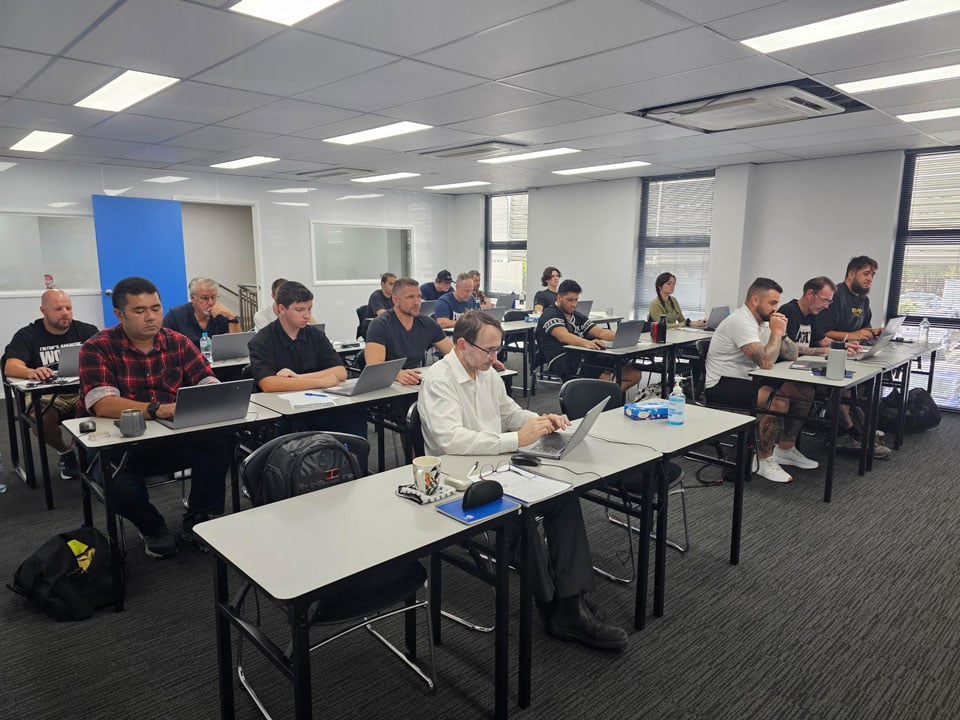
Using Technology in the Classroom
Students training on campus have the advantage of being surrounded by peers, trainers and support staff who can help if something goes wrong. In-class learners can:
- Use Asset College computers
- Bring their own laptop or tablet
- Use mobile phones for certain short-course activities (many students already prefer this)
While our staff can help with login issues or navigating the LMS, we cannot complete digital tasks on behalf of students. Learners still need a basic level of digital skill before beginning the course, as this helps them participate confidently in lessons, complete assessments and keep up with course requirements.
If You Prefer Non-Digital Resources or Have Limited Digital Skills
We understand that not everyone is comfortable using computers, especially in the early stages of learning. For students attending face-to-face courses, Asset College can provide printed learning resources wherever suitable. This allows learners to engage with course content in a way that feels familiar and reduces unnecessary stress.
However, most training packages still require students to demonstrate some basic digital skills consistent with real workplace expectations. Even in classroom-based courses, tasks such as completing and submitting incident reports, workplace documents or simple online forms may be required to meet the competency standards.
We will always do our best to accommodate individual needs and provide additional support where possible, as long as the training package requirements – and the job role you are preparing for – allow for reasonable flexibility. Our responsibility is to help you succeed, and that includes being honest where a learner is unlikely to meet the digital components of a qualification. If this occurs, we will discuss alternative pathways and support options.
Digital Requirements for Online and Remote Study
Remote students complete all course activities online, so intermediate skills are essential. This is not about being highly technical – it is simply about being able to:
- Access and work through learning content
- Upload files and complete quizzes
- Participate in trainer-led sessions using Microsoft TEAMS or similar video conferencing applications
- Use simple simulation or practice software when required
- Manage your study environment without in-person assistance
Online study offers flexibility but also requires independence. Learners who are comfortable with digital tools generally progress more smoothly and feel more confident engaging with their trainers.
Asset College’s Modern Learning Management System (LMS)
Asset College uses a modern, user-friendly LMS designed for adult learners. It provides:
- Clear navigation
- Mobile compatibility
- Easy access to learning materials
- Integrated assessments
- Communication tools
- Automated reminders and progress tracking
While the system is intuitive, learners still need basic skills to log in, move through modules, follow digital instructions and upload files. Good digital habits – such as reading instructions carefully, saving work reliably and keeping login details secure – help ensure a smooth study experience.
Technical Requirements
Most students with basic or intermediate digital skills already have what they need. We recommend:
- A laptop, desktop or tablet for most online tasks.
- Mobile phones can work for some activities, but not all.
- Reliable internet for remote learners.
- An up-to-date operating system and browser.
- Licensed and legitimate software only – never use cracked or illegal software, as it can compromise your device security.
- Regular software and app updates to help protect against security risks.
- Safe digital practices, such as using secure passwords and avoiding shared accounts.
These expectations are not about being technical – they are about protecting your data, your learning progress and the security of the college’s systems.
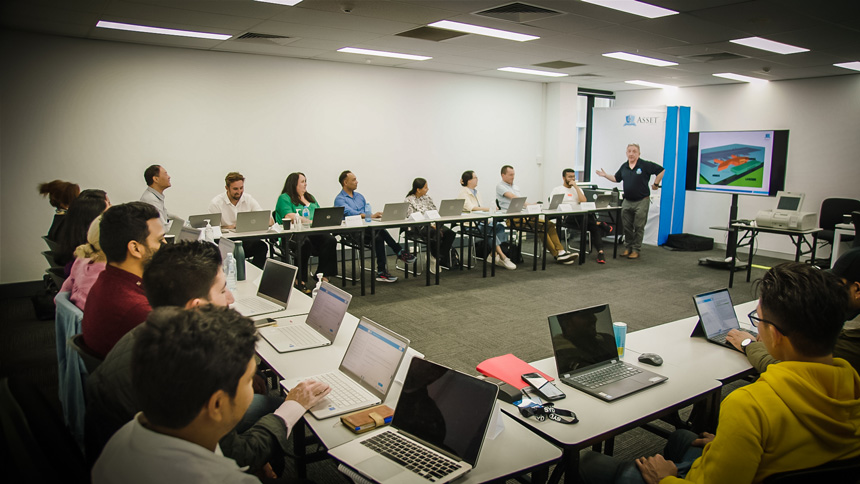
How Asset College Supports Students with Technology
We understand that not everyone feels confident with technology. Our staff are here to help with essential tasks, including:
- Accessing the LMS
- Resetting passwords
- Navigating the first few modules
- Understanding how to upload assessments
However, there are clear boundaries. We cannot:
- Complete assessments for you
- Operate your device remotely
- Rewrite your work
- Provide full IT training
Digital capability is part of the readiness for your chosen course, and developing these skills is valuable long beyond your studies.
If you are unsure whether your skills are suitable, our LLND Review Process helps identify what support you may need before enrolling.
Digital Expectations for Cyber Security and Technical Courses
Cyber security is a technology-focused field. Learners need to be comfortable:
- Navigating digital platforms
- Following multi-step digital instructions
- Working with unfamiliar tools
- Managing files and software installations
- Understanding basic computer settings and security concepts
You do not need to be an expert – that is what the training is for – but you do need a strong digital foundation. Intermediate skills are the minimum starting point, and more advanced capability will strengthen your readiness.
Responsible Use of Artificial Intelligence (AI)
AI is increasingly part of everyday working life, used for communication, analysis, research and content creation in many industries. Asset College prepares students for this reality by incorporating some AI tools into appropriate learning activities.
For example, AI may be used to:
- Assist with brainstorming ideas
- Check grammar or clarity
- Demonstrate workplace technology
- Explore different approaches to problem-solving
However, using AI to complete assessments dishonestly is academic misconduct and breaches our Code of Conduct. Examples of inappropriate use include:
- Submitting AI-generated work as your own
- Using AI to bypass practical tasks
- Copying and pasting answers without your own input
Students are taught responsible, ethical and workplace-aligned AI skills – not shortcuts.
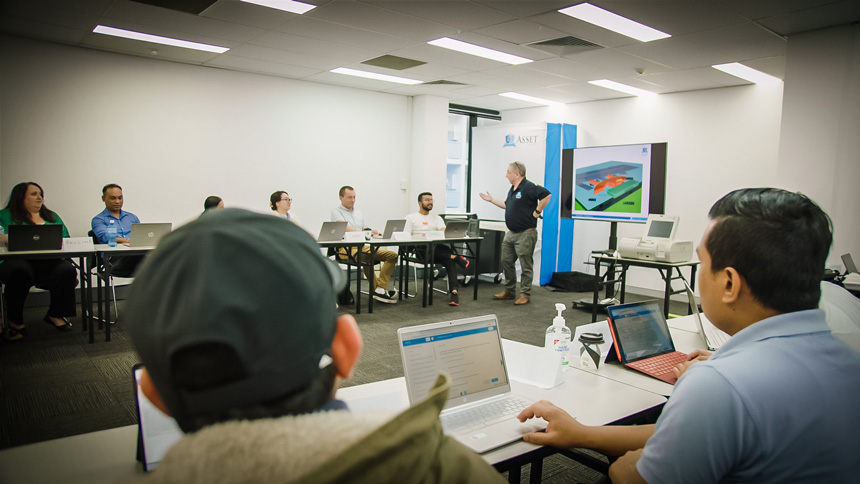
Building Your Digital Confidence
Many learners worry that their digital skills are “not good enough,” but most adults can build confidence quickly with support and practice.
Before you start your course, you might find it helpful to:
- Practise logging in and navigating basic websites
- Try sending and receiving email attachments
- Explore simple word processing tools
- Watch short how-to videos
- Ask friends or family to help you practise basic tasks
If you’re unsure where you sit, our enrolments team can discuss your situation and explain what digital skills are required for your chosen course.
Final Thoughts
Digital skills play an important role in modern training and employment. Whether you are learning in a classroom or studying online, having the right digital foundation helps you participate confidently, complete your assessments and prepare for the realities of today’s workplaces.
Asset College provides user-friendly systems, supportive staff and clear guidance – and your digital readiness helps ensure you get the most out of your training experience. If you have any concerns about your digital skills or technology requirements, we are here to help you begin your learning journey with confidence.
Digital Skills in Security Training: What You Need to Know
This article will help you understand the digital skills expected in a security course and in security jobs, how we assess your readiness, and where to seek support if this is an area where you need development.